Design the invitation you can already picture
A drag-and-drop studio that puts every word, color and flourish exactly where you want it.
Most invitation tools let you fill in blanks. The Card Studio lets you compose. Place each line of text on a real canvas, choose the typeface and color, nudge a flourish into place, and see the result update as you work. All the control of a designer's desk, none of the training.
Why hosts choose it
The details that make card studio feel considered, not complicated.
A real canvas, not a fixed form
Drag any line of text to where it belongs. Resize it, align it, and let snap guides keep everything in balance. Your card is yours to arrange, line by line.

Type and color that match the moment
Choose from a curated set of fonts and a palette tuned to each design. The choices are considered, so it is hard to make something that looks wrong.
Live preview, always
Every change appears instantly, exactly as your guests will see it. There is no separate preview step and no guessing.
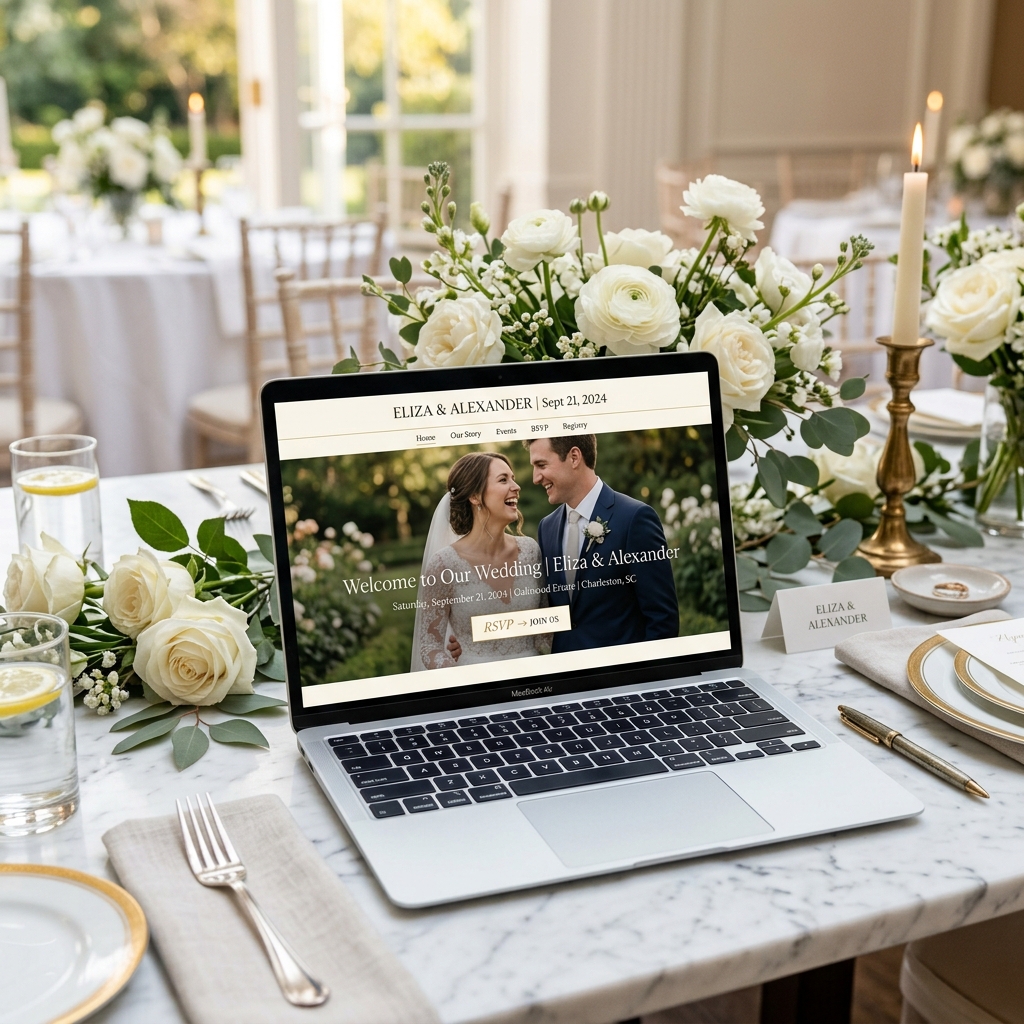
Refined for any screen
Your layout is composed to read beautifully whether a guest opens it on a phone at a bus stop or on a laptop at home.
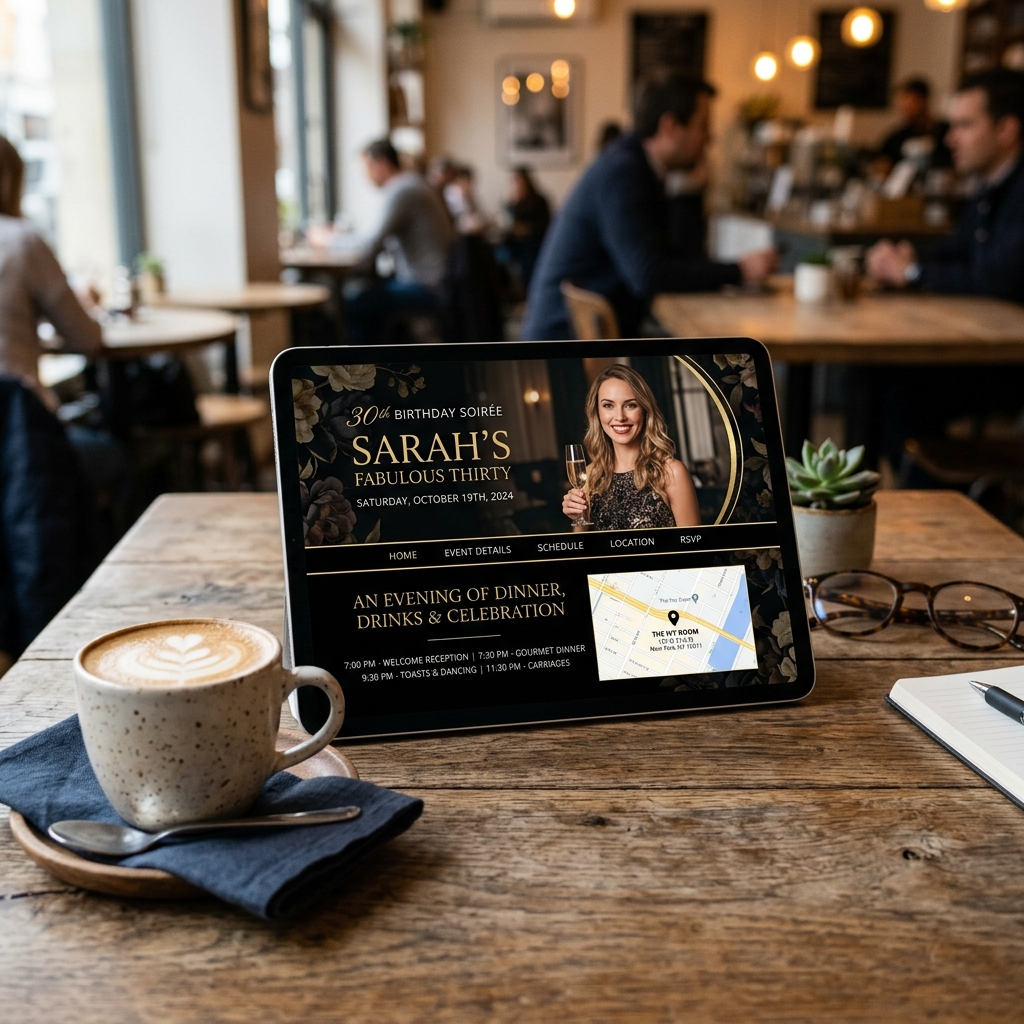
How does card studio work?
Three steps from idea to invitation.
Open the Studio
From the Design tab of your event, open the Card Studio to start arranging your card.
Place and style
Drag each element into position, set the font and color, and use snap guides and arrow-key nudges for precise alignment.
Preview and send
Watch the live preview, make any final adjustments, then send it to your guests.
Pairs beautifully with
Features that work alongside card studio.
Popular for these occasions
See card studio in action for the celebration you're planning.
Frequently asked questions
Answers about card studio on HeyVite.
What is the HeyVite Card Studio?
Do I need design experience to use the Card Studio?
Can I move text anywhere on the card?
Will my design look right on a phone?
Ready to send invitations worth opening?
Browse the designs your guests will keep, or see exactly what each plan includes.
Free up to 75 guests per eventNo card needed14-day refund